Med spas and aesthetic practices with more than one location should run one no-show and cancellation policy, written once and applied at every clinic. Start by writing that policy down before anyone changes a setting, and decide the notice window, the deposit or fee, who can waive it, and how patients hear about it. Once those decisions are made, your software can collect deposits and apply the rules, so no front desk has to make the call alone.
PatientNow is a practice management and EMR software for aesthetic practices and med spas. 5,000+ active locations run on PatientNow worldwide, according to PatientNow platform data. With our multi-location tools, you set your own cancellation and no-show policies once, apply them to every location, and collect deposits at booking to protect each clinic's calendar. This guide starts with the policy itself and then shows how to run it across clinics.
Key takeaways
- Write one policy before you touch any settings: the notice window, the deposit or fee, who can waive it, and how patients are told.
- Collect a deposit at booking on the appointments where an empty slot costs you most.
- Set the policy once and apply it to every location. Let a clinic differ only where you decide it should.
- Pair the policy with confirmations, reminders, and a waitlist, so a cancellation becomes a refilled slot.
- Review no-shows, late cancellations, and waived fees by location every month.
Why a second location makes no-shows harder to manage
When a practice has one clinic, one manager usually decides what happens when a patient misses an appointment. Once there are two clinics, the staff at each front desk start making their own calls. For example, one location collects deposits for laser packages, while the other waives late cancellations to keep patients happy. Patients who book at both clinics soon learn the difference.
The cost of that drift shows up in empty provider time that nobody refilled and in fees that one clinic collects while the other lets them go. It also shows up in your reports, because each location records cancellations in a different way.
A single written policy gives every clinic the same rules to follow. It also gives patients something they can plan around before they book.
1. Write one policy before you change any settings
A no-show policy comes down to a handful of decisions. Make each one on paper first, together with the people who will enforce it: your location managers, a lead provider, and the front desk lead at each clinic.
You can start from the template below. The notice window, the amounts, and the exceptions shown in the examples are your practice's choice.
| Policy setting | What to decide | Example |
|---|---|---|
| Notice window | How much notice a patient gives to cancel or reschedule without a charge | 24 hours for most services, 48 hours for long treatments |
| Deposit at booking | Which services require a deposit, and how much | A deposit on new-patient consultations and on treatments that block an hour or more |
| Late cancellation | What happens when a patient cancels inside the notice window | The deposit covers the late cancellation |
| No-show | What happens when a patient does not arrive | The deposit is kept, or a set no-show fee is charged |
| Who can waive | Which roles can waive a fee, and when | Location managers, for documented emergencies |
| Exceptions | Situations that never carry a charge | Reschedules the clinic asks for, weather closures, and medical emergencies |
| How patients are told | Where the policy appears | At booking, in the confirmation, and in each reminder |
Write the final policy in plain language that a patient can read at a glance. If your team can't explain it at the desk without looking it up, the policy needs to be simpler.
2. Collect a deposit at booking
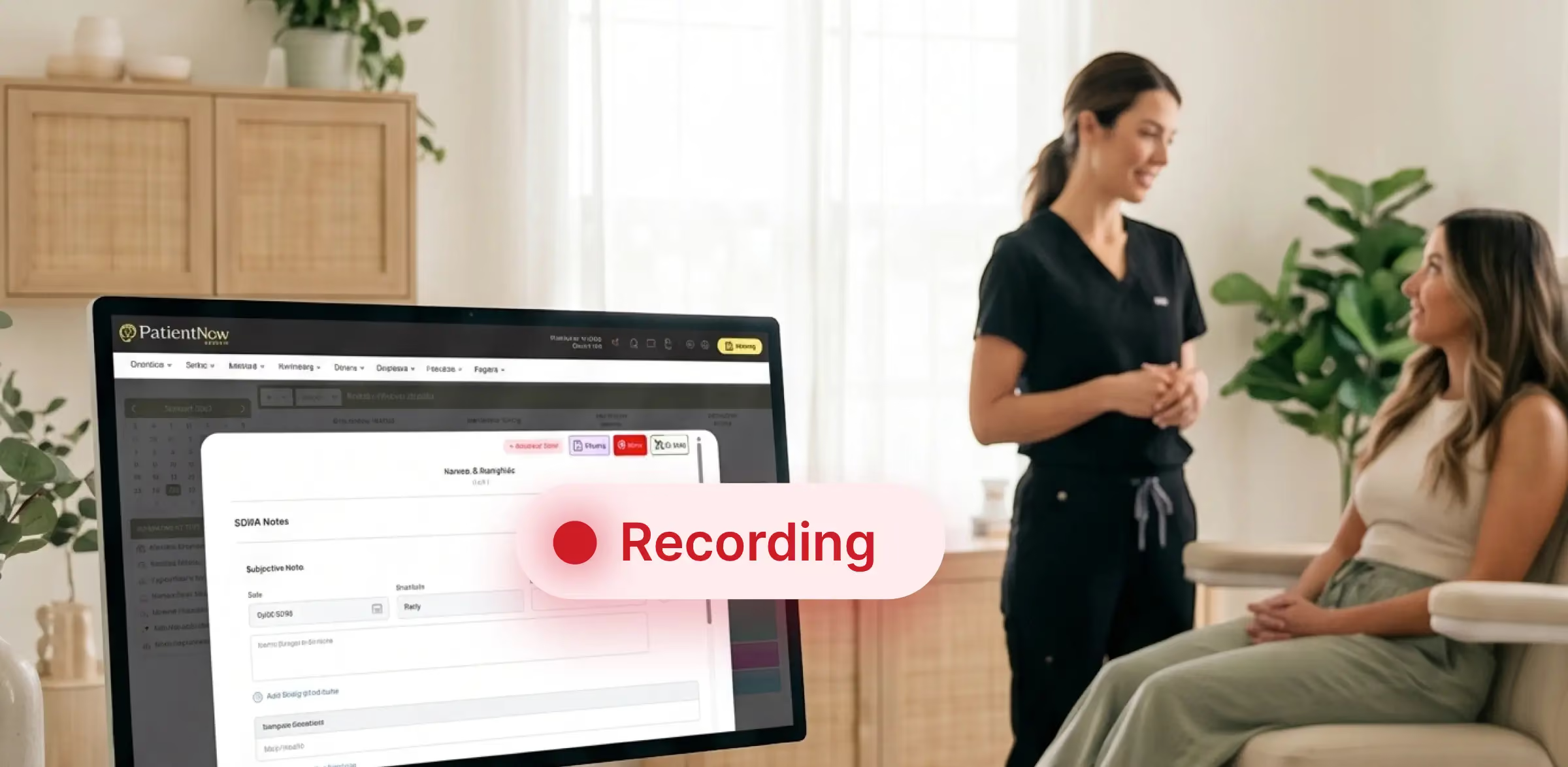
A deposit makes the policy real for patients before the appointment ever happens. In PatientNow, you choose which services require a deposit and how much it should be. Patients pay when they book, and the deposit then applies to their visit or covers a late cancellation. Deposits and cards on file sit in the same payment workflow as checkout and memberships.
Deposits matter most where an empty slot is hardest to absorb. Consider them for:
- Long treatments that block a provider for an hour or more.
- New-patient consultations, where the patient has no history with your practice yet.
- Evening and weekend appointments, when other patients wanted the same time.
Before the policy goes live, decide what happens to a deposit when a patient cancels with enough notice, and write that answer into the policy. Patients ask about this at the desk more than any other part of the policy, so every location should give them the same answer.
3. Set the policy once and apply it to every location
Enter the written policy one time and apply it everywhere. Patients then meet the same rules at every clinic, and your front desks no longer have to negotiate fees one patient at a time.
In PatientNow, you set your own cancellation and no-show policies once and apply them to every location. No-show fees, late-cancellation fees, and deposits can also be set by location, so a clinic can differ where you decide it should. Charging is hands-off, because PatientNow evaluates each appointment, applies the policy, and collects the fee.
When a location does differ, write down where and why. Here are two differences that tend to hold up:
- A clinic that offers longer treatments than the others may need a longer notice window.
- A new location that is still building a patient base may start with deposits on consultations only.
The waiver rule is the one part to keep the same everywhere. When one manager waives every fee and another waives none, patients learn where to book for leniency, and the written policy stops meaning much. To keep the rule consistent, name one person at the brand level who owns the policy and reviews it every quarter.
4. Confirm and remind every appointment
Confirmations and reminders keep patients on the schedule, and the research on healthcare appointments supports this. A 2013 Cochrane review found moderate-quality evidence from seven studies, with 5,841 participants, that text message reminders improved attendance compared with no reminder. Across three studies, text reminders had a similar effect to phone call reminders. That review looked at healthcare appointments in general.
PatientNow sends confirmations and reminders by text or email to help keep patients on the schedule, and patients choose their preferred location when they book. With more than one clinic, check that every message includes three things:
- The clinic's name and address, so nobody drives to the wrong location.
- The notice window, stated in one sentence.
- A clear way to confirm or reschedule, so a patient who can't make it tells you instead of not showing up.
5. Refill the slot when someone cancels
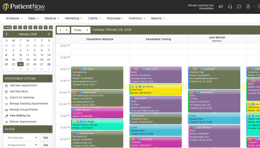
A cancellation with notice gives you time to fill the slot before the appointment. With PatientNow online booking and scheduling, the waitlist fills the open slot automatically, notifying waiting patients before the gap costs you revenue.
Having more than one location adds a second option. When a patient can't keep an appointment at one clinic, your front desk can search appointment availability across up to four locations at a time from one view. For example, a patient who can't make Thursday at your flagship clinic may take Friday at your second clinic, so the visit stays on the books.
When a patient calls inside the notice window, offer to reschedule first. Whether a patient who rebooks still pays the late-cancellation fee is your choice. Write that decision into the policy too, so every clinic handles it the same way.
6. Review no-shows by location every month
Each month, check that the policy works the same way at every clinic. For each location, look at:
- No-shows
- Late cancellations
- Deposits and fees collected
- Fees waived
- Cancelled slots that were refilled
In PatientNow, any KPI breaks down by location, provider, or service, and you can put locations side by side to spot which clinics are growing and which are slowing down. Policy activity shows up in your reports by location. If you schedule a by-location report to arrive at the start of each month, the review happens without anyone having to remember to pull it.
Then read the numbers for patterns:
- If one clinic waives far more fees than the others, retrain that team on the waiver rule.
- If one service carries most of the no-shows, add a deposit to it.
- If few cancelled slots are refilled, check that every location is using the waitlist.
A worked example: Two clinics, one policy
Take a hypothetical practice with a flagship clinic downtown and a second clinic in a nearby suburb. Before the change, the flagship collects deposits on laser packages and charges late-cancellation fees. The second clinic collects no deposits, and its front desk waives most late cancellations, which regular patients have noticed.
The owner writes one policy for both clinics. Most services get a notice window of 24 hours, and treatments over an hour get 48 hours. New-patient consultations and long treatments need a deposit at booking. Only a location manager can waive a fee, and only for a documented emergency. The owner enters the policy into PatientNow once, and it applies at both clinics with the same fee amounts at each. Every confirmation and reminder names the clinic and states the notice window.
At the first monthly review, the owner puts the two clinics side by side and compares no-shows, late cancellations, fees collected, fees waived, and refilled slots. If the second clinic still waives fees more often, its manager gets a refresher on the waiver rule. If one service keeps producing no-shows at both clinics, that service gets a deposit too. Patients who book at both clinics now meet the same rules at each one.
Where PatientNow fits
PatientNow runs everything in this guide from one platform, including the policy, the deposits, the reminders, the waitlist, and reporting by location. For eligible PatientNow Essentials practices, Command Center is included at no additional cost. You also manage inventory for every clinic from that same platform, with a clear view of stock across the organization. You can see how it all works for growing practices on our multi-location med spa software page.
FAQ
Do appointment reminders reduce no-shows?
Appointment reminders help patients keep healthcare appointments. A 2013 Cochrane review found that text message reminders improved attendance compared with no reminder, and that their effect was similar to phone call reminders. For a med spa, the practical step is to pair reminders with a written policy and a deposit on the appointments that matter most.
Can I charge a no-show fee automatically?
Yes. In PatientNow, no-show fees, late-cancellation fees, and deposits are set by location, and PatientNow evaluates each appointment, applies the policy, and collects the fee. The amount and the notice window are your practice's choice. Whatever you decide, tell patients about the policy when they book.
Can each location have its own no-show policy?
Yes. A multi-location practice can set one policy and apply it to every location, or set fees and deposits by location where a clinic needs something different. Keep those differences few and written down, so patients and staff know which rules apply where.
What software helps multi-location med spas reduce no-shows?
Multi-location med spas should look for software that collects deposits at booking, applies no-show and late-cancellation fees by policy, sends confirmations and reminders, fills cancellations from a waitlist, and reports by location. PatientNow does each of these in one platform, alongside the EMR, scheduling, and payments. For a wider comparison, see our guide to the best med spa software.
How should a med spa tell patients about a new cancellation policy?
A med spa should show the policy at booking, restate it in the confirmation and in each reminder, and post it at the front desk of every location. Existing patients should get notice before the new rules take effect, and each front desk should be trained to explain the policy the same way.
What happens to a deposit when a patient cancels?
With PatientNow, the deposit applies to the patient's visit, or it covers a late cancellation if they cancel inside your notice window. What happens to a deposit when a patient cancels with enough notice is your practice's decision, so write it into the policy and apply it the same way at every location.
Explore this post
Book a demo to see PatientNow in action